
Why Redo What’s Already Done?
Deal Central helps sales, managers and F&I continue the same transaction forward without rebuilding progress along the way.

Quick Tips for Getting More from Deal Central
Simple ways to save time, reduce rework and keep deals moving
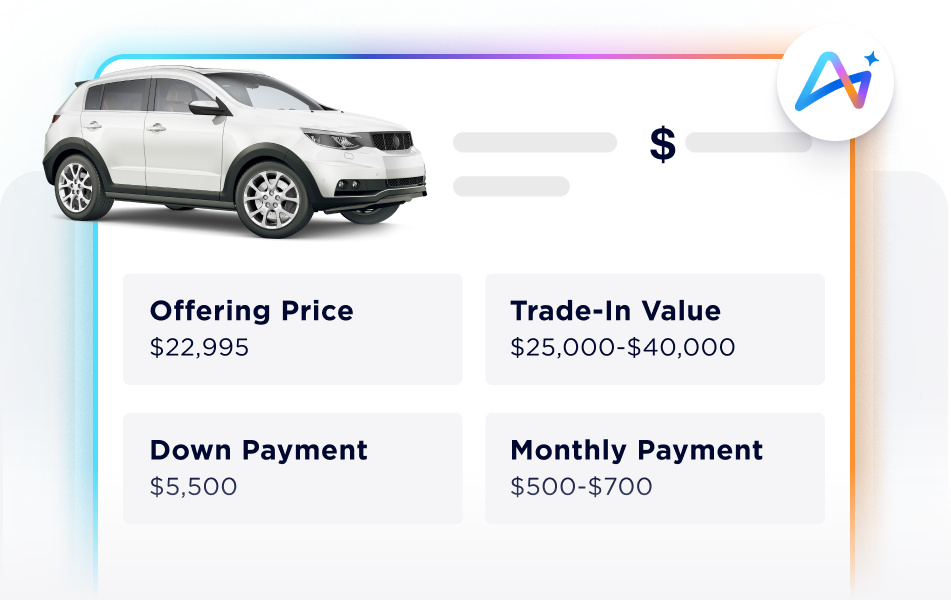
Send a real deal, not just a follow-up
“We’re chasing leads but not getting action.”
Try This
After every lead – phone, email, or ePrice – send shoppers a live and customized Deal Central deal link they can review, compare, and act on right away, instead of just a follow up message.
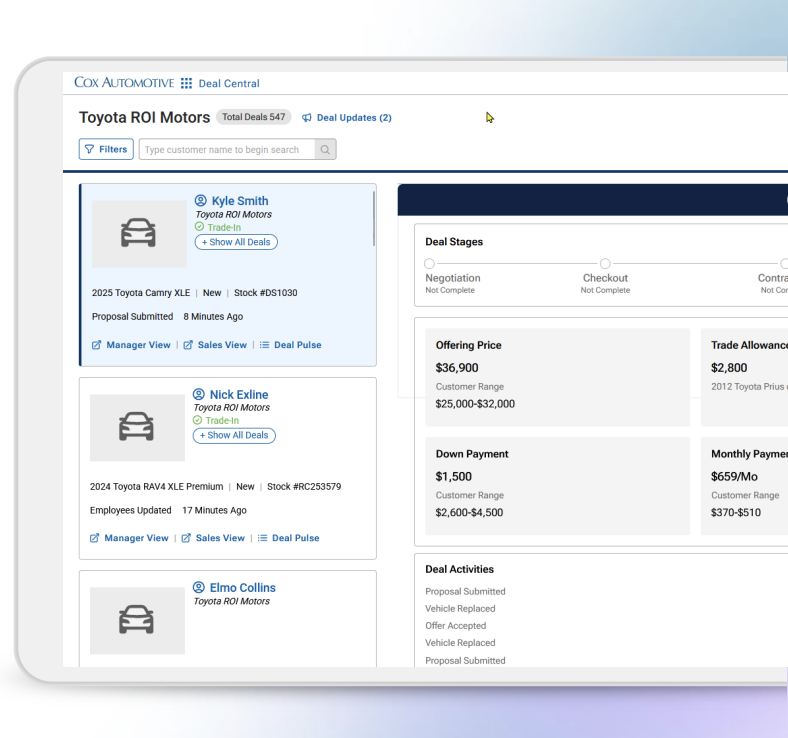
See what needs attention
“I don’t know where deals are getting stuck.”
Try This
Use Deal List and dashboards to quickly see deal status, activity and what needs attention next.
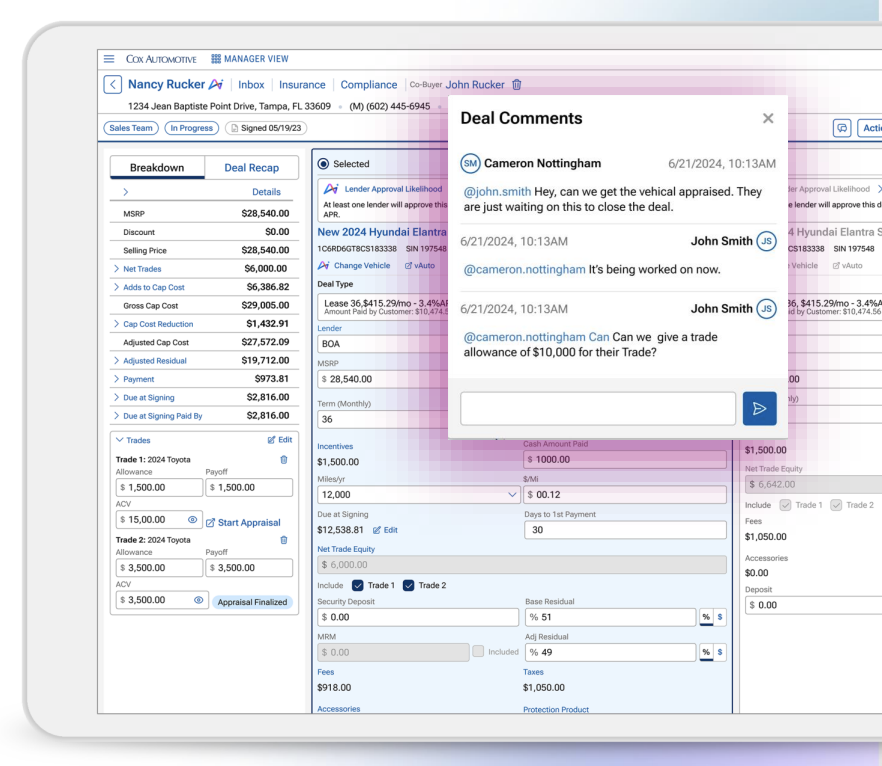
Work scenarios without starting over
“I don’t want to restart the deal just to test options.”
Try This
In Manager View, compare multiple deal scenarios side-by-side before making one active, so you can evaluate options confidently without slowing the deal down.
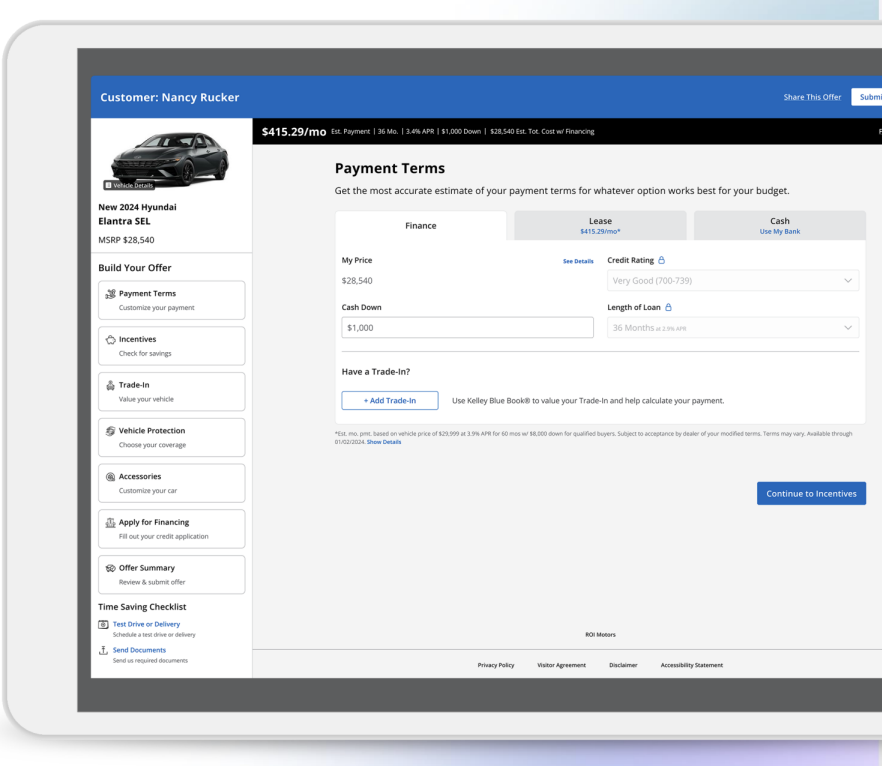
Build value earlier in the process
“Customers aren’t ready for F&I products.”
Try This
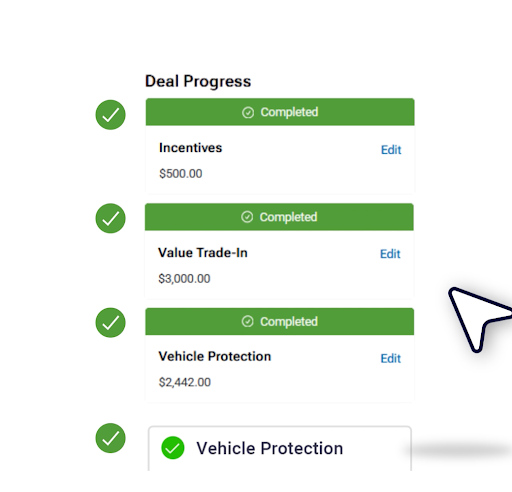
Add protection products directly in Sales View so customers can review warranties, GAP, and maintenance plans alongside their deal and understand the payment impact right away
Keep deals moving
“We lose momentum every time the deal changes hands.”
Try This
Share deal scenarios across Sales and Manager View so teams can continue working the same live deal instead of restarting it at every handoff.
Finish the deal without Leaving it
“We structure here, then finish paperwork somewhere else.”
Try This
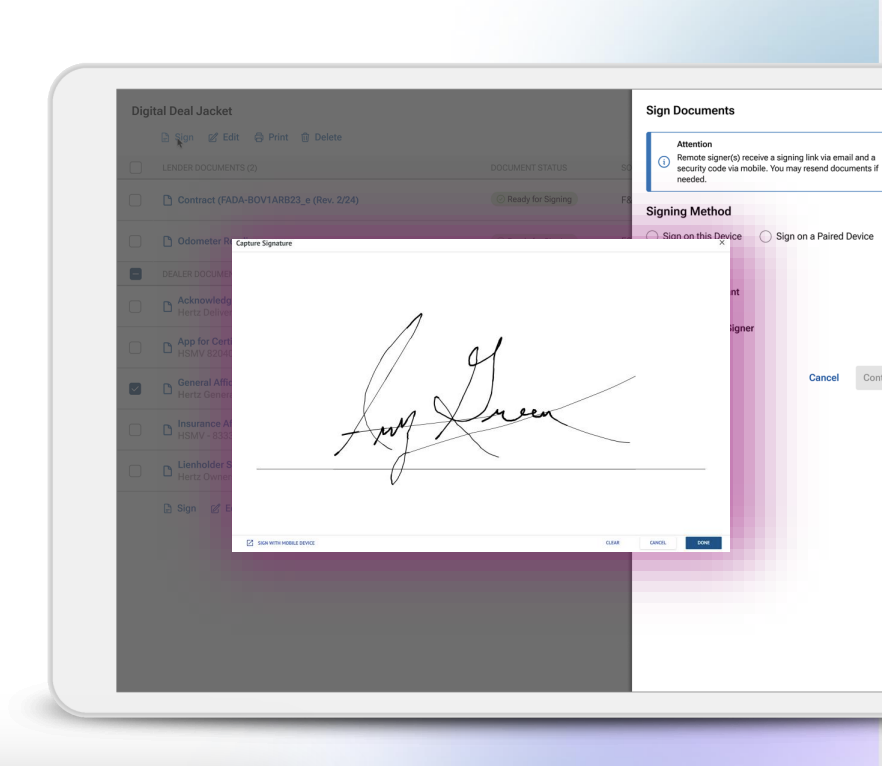
Keep documents connected to the deal from start to finish with Digital Deal Jacket, so teams can search, prepare, and print forms without leaving Deal Central.
See How Dealers Are Using Deal Central
Hear how dealerships are reducing back-and-forth, improving visibility and keeping deals moving from Sales to F&I.
-
Colin Wickstrom
One of the things we’ve noticed with the tool is it’s helped eliminate a lot of the back-and-for…
Dealer Partner
Wickstrom Auto Group
-
Chad Morris
The biggest complaint in CSI reports and reviews is always time—long waits and handoffs. That ch…
Variable Operations Director
McDaniels Auto Group
-
Jeremy Denunzio
The worst thing that kills the deal is time. If they’re sitting for an hour waiting for somebody…
Sales Manager
Masano Auto Group



Release Notes
FAQ’s
Start and continue the deal in Deal Central whenever possible. Deal Central keeps deal activity, customer information, and deal progress connected so your team can pick up where the last step left off.
Use Deal List and deal status views to monitor active deals. This helps Sales Managers and F&I Managers identify where deals have stalled and what action comes next.
Yes. Deal Central supports up to three trade-in vehicles on a single deal. Add additional trade-ins from the Trade-In section and manage them within the same workflow.
Deal Central automatically saves deal changes as a draft when you exit Manager View.
When you return, your saved draft helps you continue working without recreating your progress.
Use Digital Deal Jacket to upload or capture document images directly within the deal.
Scan the QR code with a mobile device or upload files to keep required documents attached to the deal.
Look for the DMS Export status in Manager View. Deal Central displays the result of the most recent export so F&I Managers can confirm status without leaving the deal.
Yes. You can adjust settings such as disclaimer text, logo, and font size in Printing Settings.
These options help create proposals that match your dealership’s branding and communication needs.
Visit the Deal Central Release Notes section regularly. Dealer-facing release notes explain recent updates, what changed, and how the enhancement affects your workflow.